Corel PaintShop Pro Photo
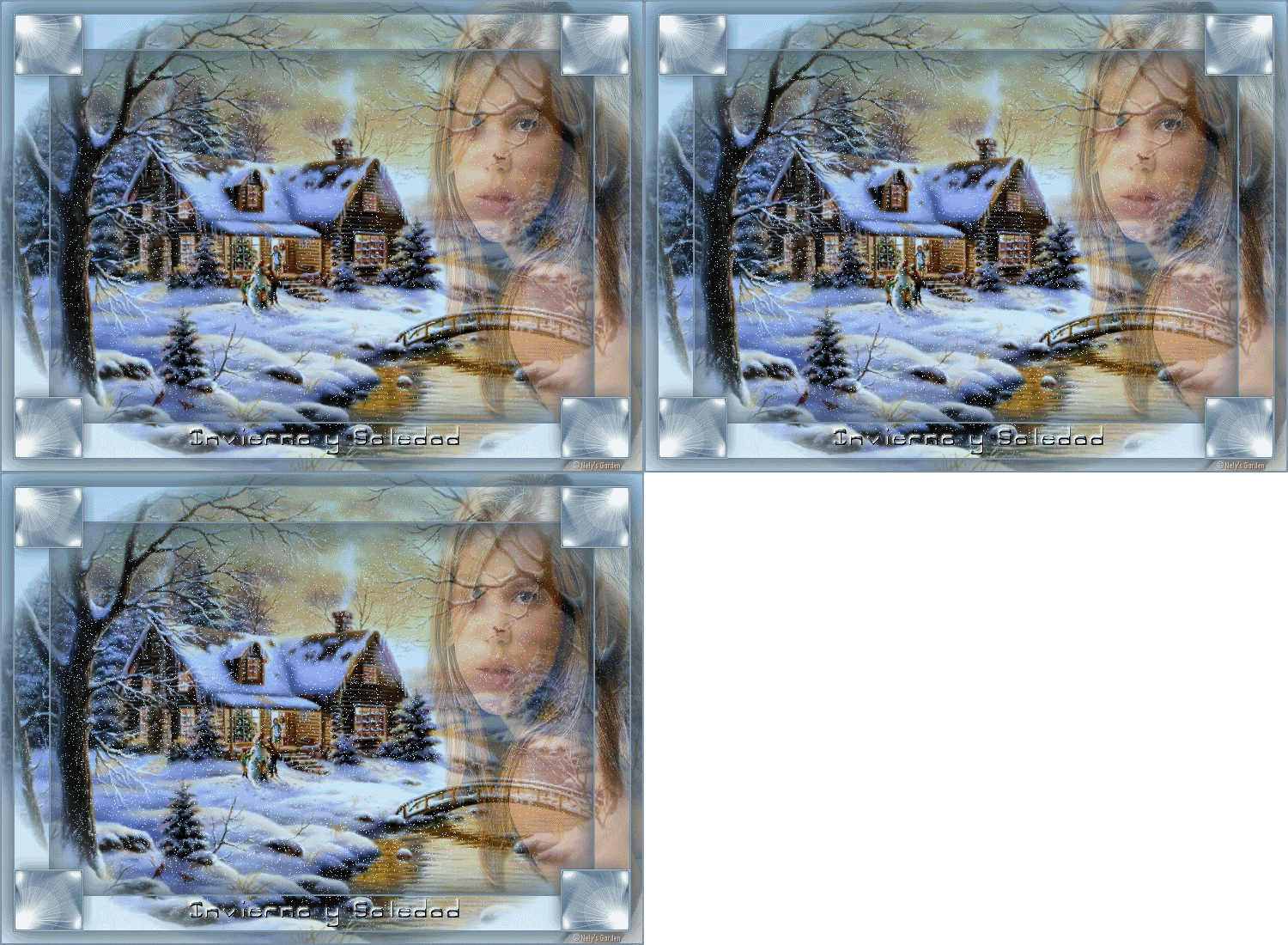
Filters: Filter Unlimited 2 and UnPlugged Effects / Snow
1 - Open transparent image 750 x 550
2 - Fill with color # ffffff.
3 - Open pmn landscape. Copy and paste as new layer.
4 - Selections / Select All / Float / Set. Selections / Load / Save Selection to Alpha Channel.
5 - Select / Deselect.
6 - Layers / Merge down.
7 - Effects / Plugins / Filters Unlimited Filters 2/Color / Blue Sky, values \u200b\u200b176 and 10.

8 - Selections / Load Selection From Alpha Channel, which was saved earlier.
9 - Layers / Duplicate twice to three.
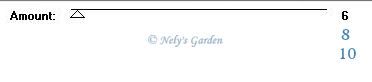
10 - In the first fused layer. Effects / Accessories / UnPlugged Effects / Snow in value to 6. A copy of merged value 8 and merged copy 2 value 10.
11 - Selections / Unsubscribe selection.
12 - Open the tube of the girl. Copy and paste as new layer. Right place. Opacity down to 43.
13 - Open frame. Copy and paste as new layer.
14 - Open Text. Copy and paste as new layer. Settle down.
15 - Place signature or watermark.
16 - In the layers palette to close at 3 down, merged, copy merged and merged copy 2. Placed in the girl's layer and merge visible.

17 - Layers / Duplicate twice. And the first landscape merge with the first girl, then the second, etc. to finish. Be careful when opening and closing jump layers.

18 .- Save as PSP Animation Shop. Open Animation Shop Program. Preview give and if I get it to save as gif.


0 comments:
Post a Comment